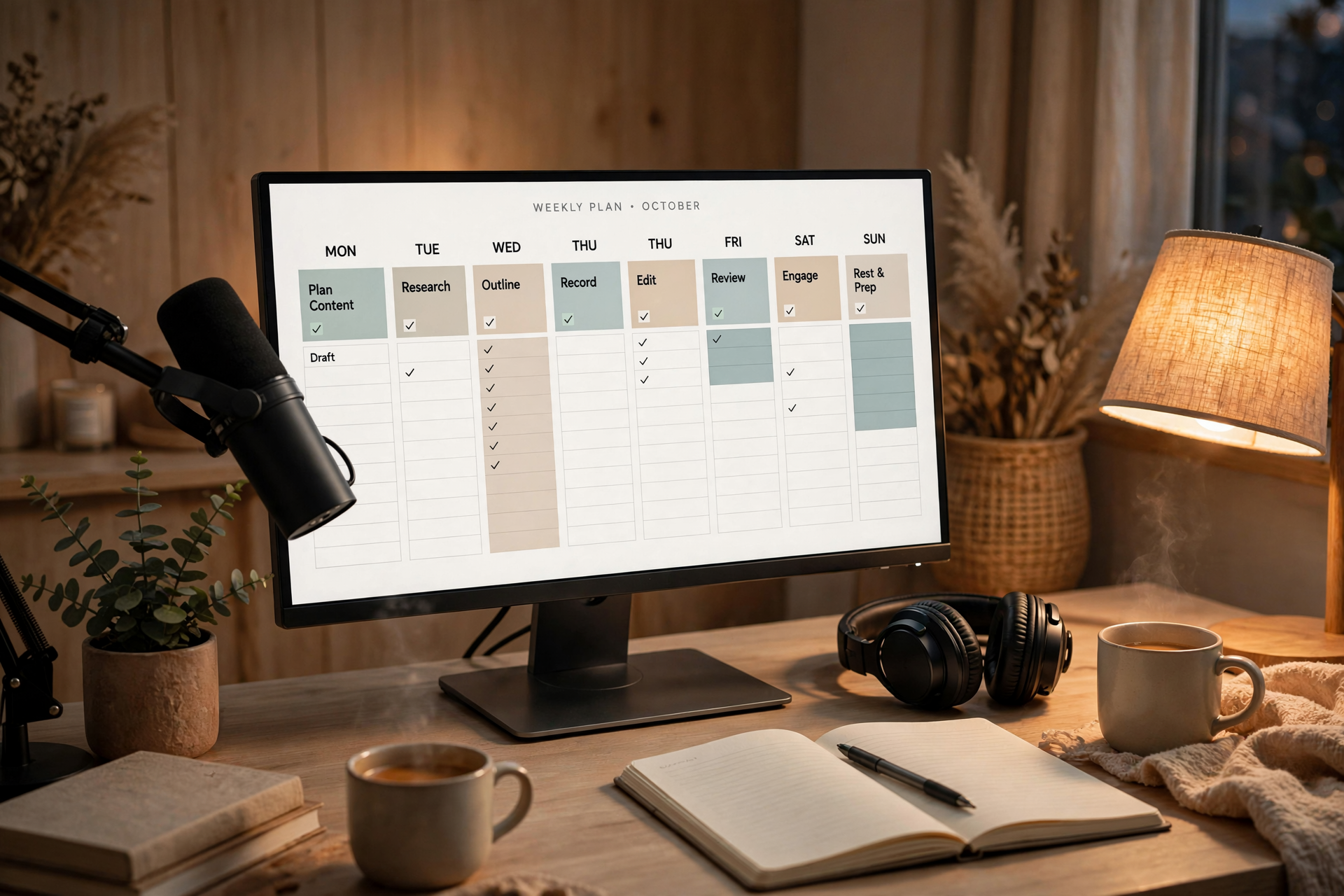
A Twitch schedule should do more than display a few start times. It should help viewers understand what is dependable, what may move, and where to check when your plans change. The goal is not to promise the maximum number of hours; it is to create a public operating system that survives real life.
Separate public promises from private intentions
Start by dividing your possible broadcast hours into two groups. Public commitments are the sessions viewers can safely plan around, while private intentions are extra streams you may add when energy, work, or family obligations allow. Only the first group belongs on the main Twitch schedule.
A useful starting point is two or three dependable weekly sessions rather than an ambitious daily plan. If you later stream more often, the additions feel like a bonus. If you list every hour you hope to be available, one missed session can make the entire channel appear unreliable.
Build the schedule with fixed and movable blocks
Give each broadcast block a status before assigning it a day and time. A fixed block has a strong reason to remain in place, such as a weekly community event or a recurring multiplayer session. A movable block can shift within a defined window when your week changes.
For example, you might publish a fixed Tuesday stream at 7 p.m. and a movable weekend stream that starts Saturday or Sunday between 2 and 4 p.m. The viewer-facing message should explain the window plainly. Flexibility works when people know its boundaries; vague availability does not.
Use a two-layer calendar
Create a public layer that contains only the information viewers need: day, start time, approximate length, and the general type of stream. Keep production notes, backup games, sponsor obligations, and personal commitments in a private planning layer. Mixing both layers makes the schedule harder to read and harder to maintain.
Your private calendar can also include setup time, recovery time, and a decision deadline. A simple rule might be: confirm the next day's stream by noon, choose the backup format by mid-afternoon, and post any change before the original start time. This turns schedule management into a routine instead of a last-minute scramble.
Create a change protocol before you need it
Decide in advance what counts as a cancellation, delay, replacement, or time change. A cancellation means the session will not happen. A delay keeps the same broadcast but moves the start. A replacement keeps the time while changing the planned activity. Using consistent labels prevents viewers from guessing what your update means.
When a change is necessary, publish the new information in the same places every time: your Twitch schedule, your community announcement channel, and your next stream verbal reminder. Keep the message short and specific: what changed, the new time, and whether the original session will return. Avoid promising a replacement before you know you can deliver it.
Make each time slot easy to recognize
A schedule becomes more useful when viewers can associate a slot with a repeatable kind of experience. You do not need a rigid series for every stream, but broad labels such as ranked practice, story game night, creative work, or community session help people decide whether a particular broadcast fits their interests.
Keep the label stable even when the exact game or activity changes. For instance, a Wednesday session can remain your cooperative night while the title and game vary. This gives viewers a reliable reason to check the schedule without forcing you to repeat identical content.
Review reliability instead of chasing more hours
After four weeks, review the schedule using practical signals: how often you started on time, how often you changed the plan, which blocks produced repeat attendance, and which sessions left you too drained to continue. The purpose is not to rank your worth by average viewers. It is to find the schedule that creates the best balance of trust, energy, and usable content.
If a slot repeatedly fails, remove it or convert it into a clearly flexible block rather than quietly missing it. If a slot works well, protect it from optional commitments. A smaller schedule that viewers believe is usually more valuable than a larger schedule they learn to treat as a suggestion.
Ready to run viewers, chatters, or followers from one dashboard?
View pricing