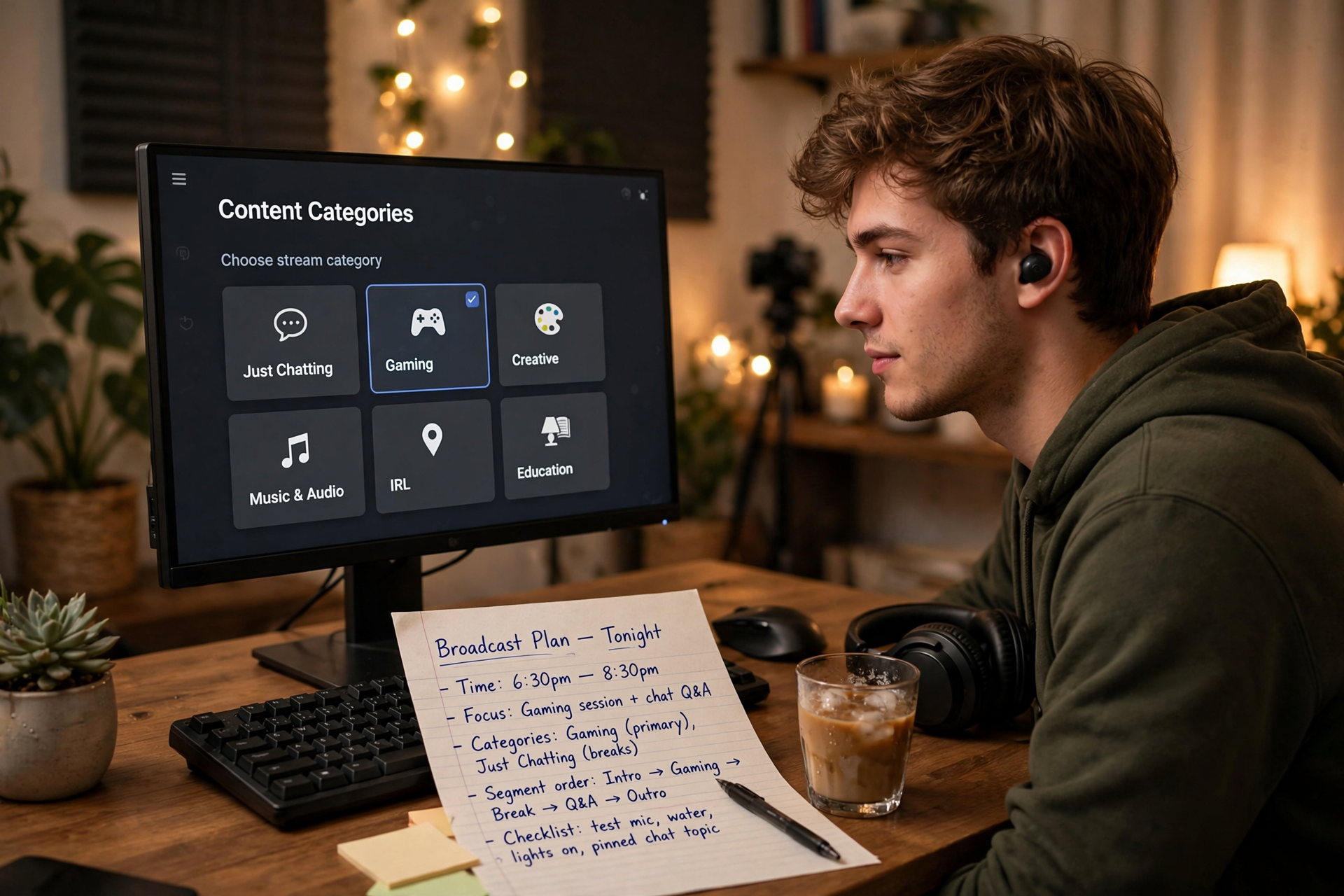
The best category on Kick is not always the one with the largest audience. It is the category that makes your stream easy to understand before the click and accurate after the click. A good choice connects your actual activity, the viewer’s reason for browsing, and the experience you can deliver for the entire broadcast.
Start with the broadcast you are actually running
Before opening Kick’s category selector, write down the main activity of the stream in one plain sentence. Use the activity that occupies most of the broadcast, not the segment you hope will attract the most attention. For example, “ranked matches with live coaching” is more useful than “variety night,” while “testing three indie games” is more useful than simply naming the first game you plan to launch.
Then list the moments that could make the category inaccurate. A short break, opening discussion, or closing recap usually does not change the choice. A long reaction block, extended chatting session, or second game might. This first pass prevents you from choosing a label based on a thumbnail idea while delivering a substantially different experience once viewers arrive.
Use a two-pass category fit test
Pass one is browse fit: would a viewer scanning the category understand why your stream belongs there? Check whether the category reflects the subject, game, activity, or format visible in your title and opening scene. Pass two is delivery fit: can you keep meeting that expectation for the planned duration without repeatedly switching activities or explaining why you selected the category?
Score each candidate from 1 to 5 on four questions: accuracy, viewer clarity, content depth, and operational stability. Accuracy asks whether the label describes the main activity. Viewer clarity asks whether the title and category agree. Content depth asks whether you have enough material for the session. Operational stability asks whether your setup, guests, game version, or planned segments are unlikely to force a change.
Separate the category from the stream’s hook
Your category tells viewers what kind of broadcast they are entering; your title explains why this particular broadcast is worth watching. Do not force a category to carry the entire concept. A game category can support a challenge, coaching session, speedrun attempt, first-look stream, or community event, as long as the activity remains recognizable.
Write the title only after selecting the category, then compare the two as a pair. If the category says one thing and the title promises another, revise the hook before changing the label. For instance, a title about reviewing viewer-submitted builds can work in a game category when the builds are the main subject, but it may need a different category if the broadcast becomes mostly general conversation.
Check the category’s audience behavior, not just its size
A large category can be a poor home if viewers there are looking for a different pace, skill level, or type of interaction. Spend a few minutes observing several active channels and note what their titles promise, how quickly the content becomes visible, and whether viewers appear to browse for gameplay, education, competition, reactions, or conversation.
Look for a usable neighborhood rather than a perfect ranking position. You want enough relevant activity for discovery, but also a recognizable reason your stream belongs among those broadcasts. If your concept would require a long explanation before a new visitor understands it, the category may be technically related but practically confusing.
Plan category changes before you go live
If your stream has a planned second act, decide in advance whether it deserves a category change. Use a change when the main subject, viewer expectation, and on-screen activity all shift for a meaningful portion of the broadcast. Keep the original category when the segment is a short transition that still serves the same central promise.
Add the decision to your run-of-show instead of improvising it while distracted. Write the trigger, the new category, and the sentence you will use to explain the transition. This keeps the change understandable for existing viewers and reduces the chance that a quick break turns into an inaccurate label that remains active for the rest of the stream.
Review the choice with evidence from three moments
After the broadcast, review the category at three points: the first five minutes, the strongest sustained segment, and the final portion. Ask whether a new viewer could identify the activity immediately, whether the most valuable content matched the label, and whether the ending still belonged in the same category. This is more useful than judging the choice by peak viewers alone.
Keep a short category decision log with the selected label, stream concept, start time, major changes, and one sentence about the result. After several broadcasts, patterns will appear: one category may produce clearer conversations, another may create better click-through, and a third may be difficult to maintain. Use those patterns to refine your programming rather than switching categories after every disappointing stream.
Ready to run viewers, chatters, or followers from one dashboard?
View pricing