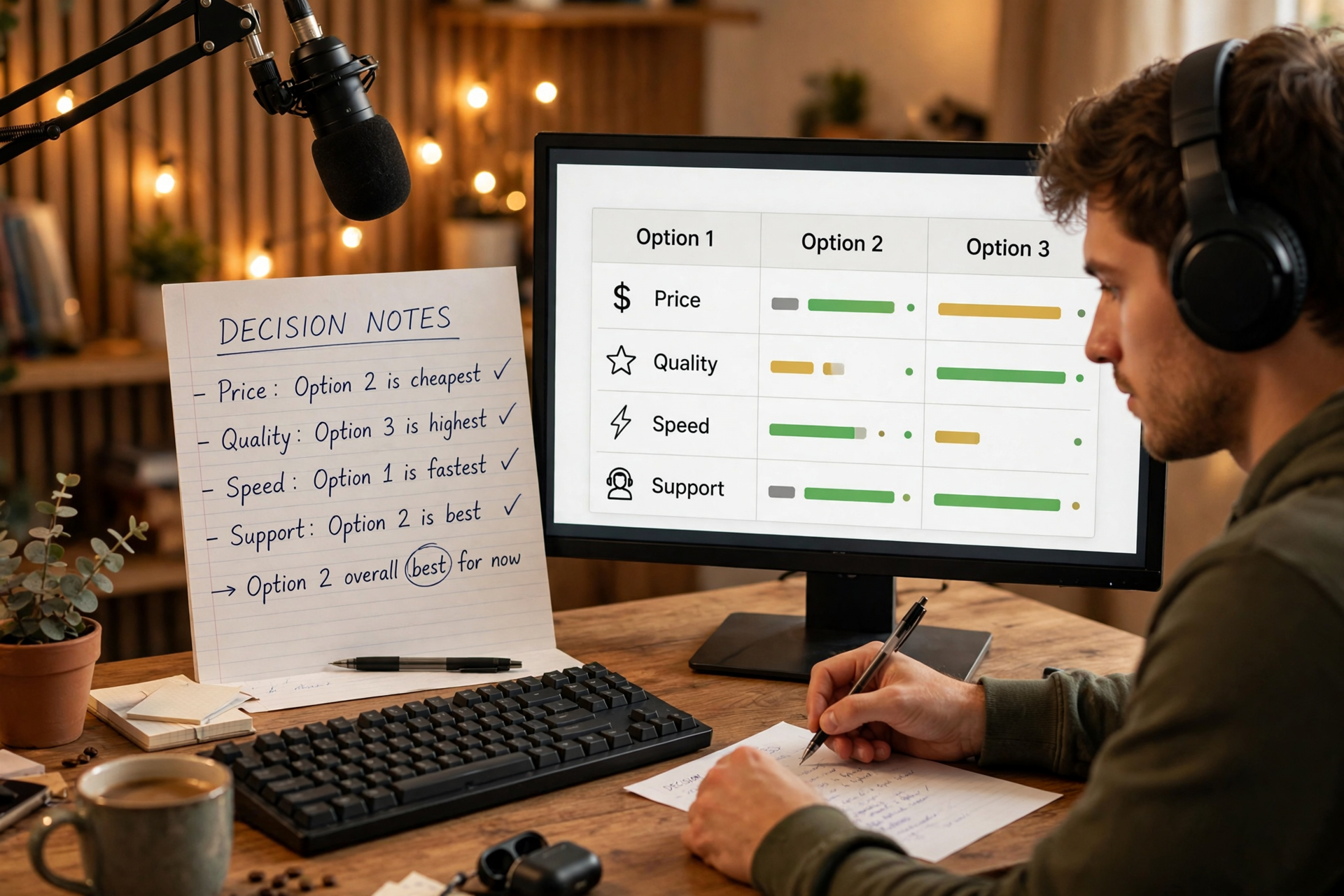
The best Kick category is not always the one with the most viewers or the smallest directory. It is the category that lets you describe your broadcast accurately, start quickly, and deliver the experience people expected when they clicked. A switching-cost check helps you compare those trade-offs before a category choice creates confusion.
Define the broadcast before opening the category list
Write a one-sentence description of what viewers will see during most of the broadcast. Include the main activity, the intended audience, and the likely length of that activity. For example: “A two-hour ranked session where I explain decisions for newer players” is more useful than “gaming stream.”
Then list the parts of the stream that are genuinely central: gameplay, a live event, creative work, conversation, music, or something else. Do not choose a category based on a short intro or a planned five-minute break. Choose for the experience that occupies the largest and most important portion of the broadcast.
Score each candidate by switching cost
For every realistic category, assign a score from one to five for setup friction, audience mismatch, title adjustment, moderation needs, and likelihood of changing categories midstream. A low score means little friction. A category that requires a completely different title, overlay, explanation, and opening has a high switching cost even if it appears attractive in the directory.
Add a separate fit score for accuracy, viewer expectation, repeatability, and your ability to produce a strong opening within the first few minutes. The winning option should not merely have a low switching cost; it should offer a strong total balance. This prevents you from picking an easy category that describes the stream poorly.
Separate category size from usable opportunity
A large category can provide more potential viewers, but it also contains more established channels competing for attention. A tiny category may feel easier to enter while offering little relevant traffic. Treat directory size as one input, not as the decision itself.
Look for a usable opportunity: a category where your exact subject can be understood quickly and where your format gives viewers a reason to choose you. A focused challenge, coaching session, unusual ruleset, or clear project may create more opportunity than a generic broadcast in a larger room.
Check the category against the first ten minutes
Your category choice should make the opening easier to understand. Ask what a new viewer will see immediately, what decision or activity is underway, and whether you can explain the plan without apologizing for the label. If the first ten minutes are mostly unrelated conversation, your title and opening need to make that transition explicit.
Create a short opening that confirms the category rather than contradicting it. State the goal, show the starting position, and begin the main activity quickly. This gives viewers evidence that the category was selected intentionally instead of being a leftover setting from your previous broadcast.
Plan category changes before you go live
Some broadcasts naturally contain separate blocks, such as a game followed by a review or a live reaction followed by gameplay. Decide in advance whether the secondary block is long and important enough to justify a category change. If it is brief, keeping one accurate primary category may create a cleaner viewing experience.
If a change is necessary, define the trigger before streaming: a completed match, a finished interview, a project milestone, or a scheduled time. Prepare a transition sentence and update the title or panels where appropriate. Avoid changing categories simply because the current room feels slow; that turns the label into a reaction rather than a reliable signal.
Review the decision after three broadcasts
Do not judge a category from one unusually strong or weak session. Use three comparable broadcasts and record average viewers, early exits, chat activity, follows per hour, technical interruptions, and how often the category needed explanation. These numbers help you distinguish a category problem from a topic, timing, or presentation problem.
Keep the category when it accurately attracts the people you want and lets you deliver consistently. Change it when viewers repeatedly misunderstand the premise, the activity rarely matches the label, or the operating cost makes the format difficult to sustain. Your goal is not a permanent category; it is a dependable match between the directory label and the show you can actually run.
Ready to run viewers, chatters, or followers from one dashboard?
View pricing