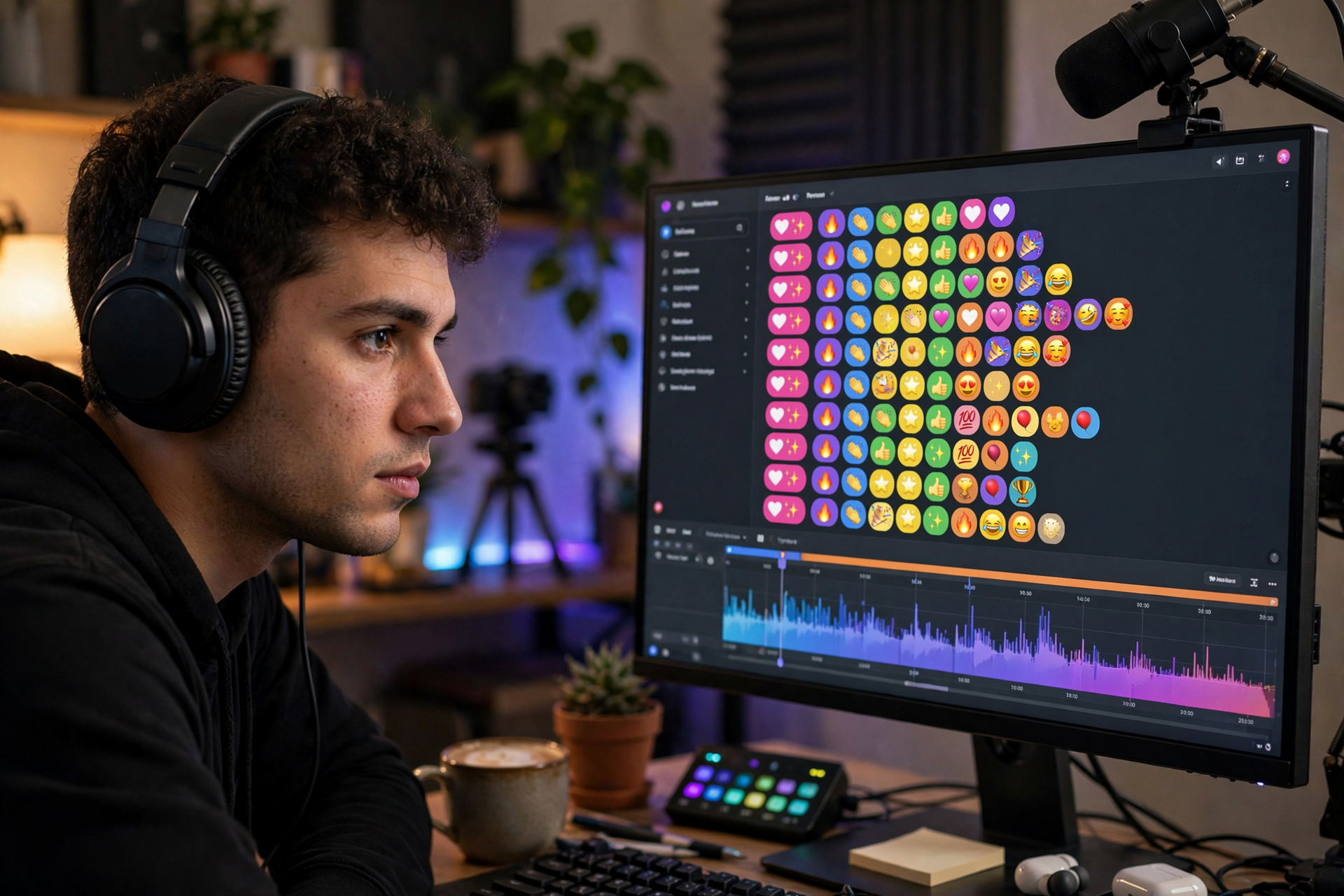
The best clip is not always the loudest moment on your Kick stream. Sometimes it is the part that makes chat suddenly move: several viewers react at once, someone repeats a quote, or the conversation changes from casual to intensely focused. By treating chat activity as a discovery signal, you can find clips with proven audience interest instead of scrubbing through every minute of a broadcast.
Choose chat signals before you go live
Decide what counts as a possible clip before the stream starts. Useful signals include a burst of messages, multiple viewers using the same phrase, a spontaneous laugh, a strong disagreement, or a viewer saying that a moment should be shared. You are not trying to clip every busy section; you are marking moments where the audience response suggests a complete story.
Write three or four short markers in a note, such as “big reaction,” “clean explanation,” “unexpected result,” and “quotable line.” This gives you a consistent vocabulary when reviewing the broadcast later. It also prevents your definition of a good clip from changing based only on how tired or excited you feel after streaming.
Use a low-friction marker system
When chat produces a strong signal, record the approximate time without stopping the broadcast. You can use a timestamp note, a hotkey supported by your streaming setup, or a quick private cue that will make sense during editing. The goal is only to create a review point; do not try to perfect the clip while you are still hosting.
Add one word beside each time, such as “reaction” or “payoff.” That tiny label saves time later because it tells you why the moment seemed promising. If a moderator is available, give them permission to mark moments too, but agree on the same labels so your notes remain easy to sort.
Capture the whole exchange, not just the punchline
A chat-driven moment often needs more setup than you expect. Include the question, decision, mistake, or prediction that caused the reaction, then keep the answer or result. A viewer who did not watch live should understand what changed and why the response mattered without needing a long explanation in the caption.
Start your review a little before the marker and end after the reaction settles. Remove dead air, repeated wording, and technical pauses, but keep enough of your voice and the relevant on-screen action to preserve the cause-and-effect chain. A shorter clip is useful only when it remains understandable.
Score candidates by audience clarity
Review each marked moment with four questions: Can a stranger understand the situation? Does something happen or become clear? Is the reaction connected to the moment? Would the clip still be interesting without the live chat beside it? Give each answer a yes or no rather than relying on a vague feeling.
Prioritize clips with a clear beginning, change, and ending. A quiet but complete explanation may be more reusable than a chaotic outburst that depends on ten minutes of prior context. Keep the strongest candidates and archive the rest; a smaller library of understandable highlights is easier to publish and reuse.
Package the clip for someone who missed the stream
Write a title that states the moment’s hook without exaggerating it. Examples include “The risky shortcut actually worked,” “Chat caught the mistake first,” or “One question changed the whole plan.” Avoid titles that only describe the game, category, or date because they give a new viewer no reason to watch.
Use the description or caption to supply one missing piece of context, not a transcript of the stream. Identify what you were attempting, what surprised you, or what chat noticed. If you publish the clip elsewhere, check the crop, audio balance, usernames, and any private information before sharing it.
Build a review queue after every broadcast
After going offline, gather your marked moments in one list and separate them into three groups: publish now, edit later, and keep for reference. “Publish now” should contain clips that work with little or no additional editing. “Edit later” can include strong moments that need captions, tighter pacing, or a better crop.
Track simple results for each published clip, including views, average watch behavior when available, comments, shares, and whether viewers ask for more of the same content. Use those patterns to improve what you mark next time. You can also review Kick clip views as one part of a broader distribution plan, but do not treat a view count alone as proof that a clip was clear or valuable.
Ready to run viewers, chatters, or followers from one dashboard?
View pricing